
Open Street Maps Shortcodes
Open Street Maps has two shortcodes: one for a single listing or address, and one for a map of many listings.
[listing_open_street_map]: one listing or address
Shows a map of one listing anywhere on your site, such as a page, a post or a custom template. It follows the listing's own settings, so a listing with Display Street Address off shows the suburb area.
[listing_open_street_map id="123"]
Replace 123 with the listing ID, shown in the address bar when you edit the listing (post=123).
Options
| Option | What it does | Default |
|---|---|---|
id |
Listing ID to show. | |
height |
Map height. A number in pixels, or a value like 60vh. |
Height setting (350) |
width |
Map width, e.g. 100% or 600px. |
100% |
zoom |
Zoom level from 1 to 19. | Zoom setting (14) with an id, otherwise 17 |
directions |
osm, google or off. |
Directions Link setting |
q |
Without an id: an address to show, e.g. q="1 Collins Street, Melbourne VIC 3000". |
|
cord |
Without an id: coordinates to show, e.g. cord="-37.8136,144.9631". |
|
suburb_mode |
Without an id: 1 shows a shaded area instead of a pin. |
0 |
Examples
[listing_open_street_map id="123" height="500" zoom="16" directions="google"]
[listing_open_street_map q="1 Collins Street, Melbourne VIC 3000"]
[listing_open_street_map cord="-37.8136,144.9631" zoom="13"]
[listing_open_street_map_results]: many listings on one map
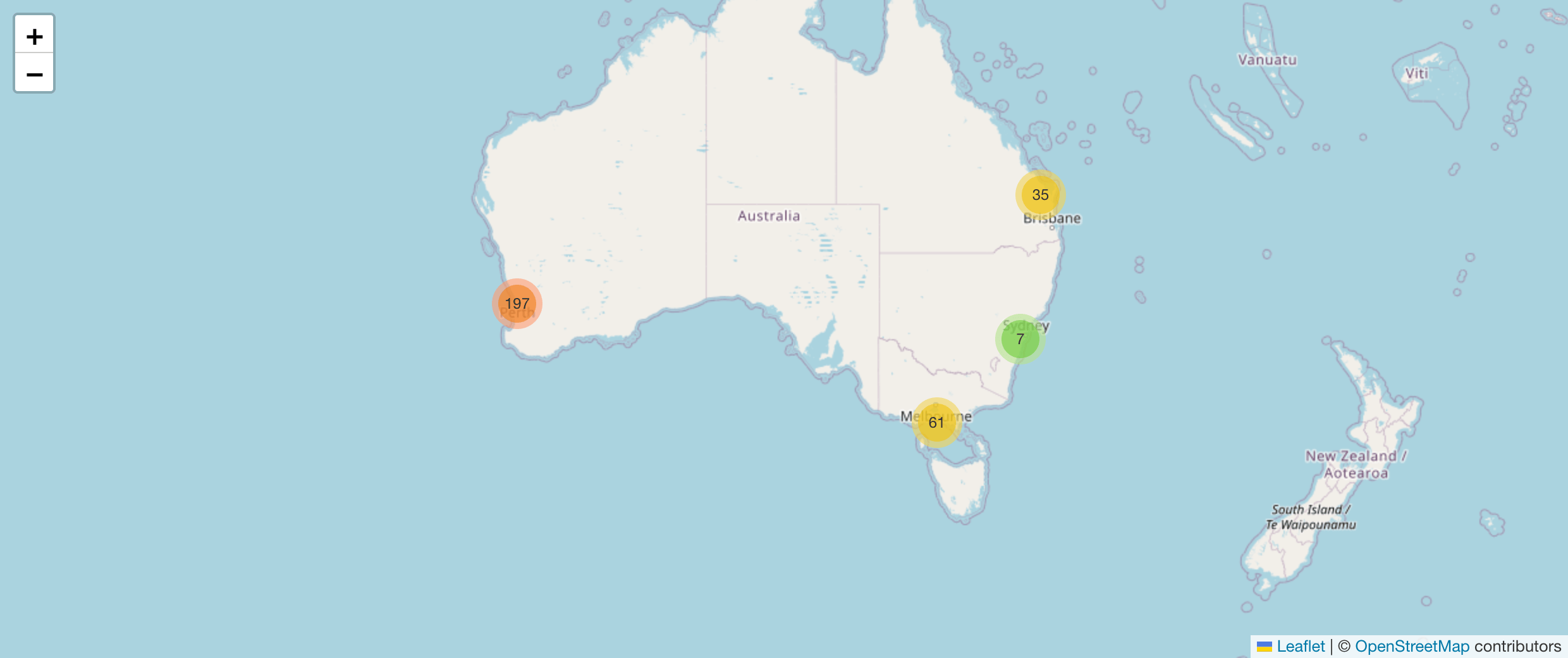
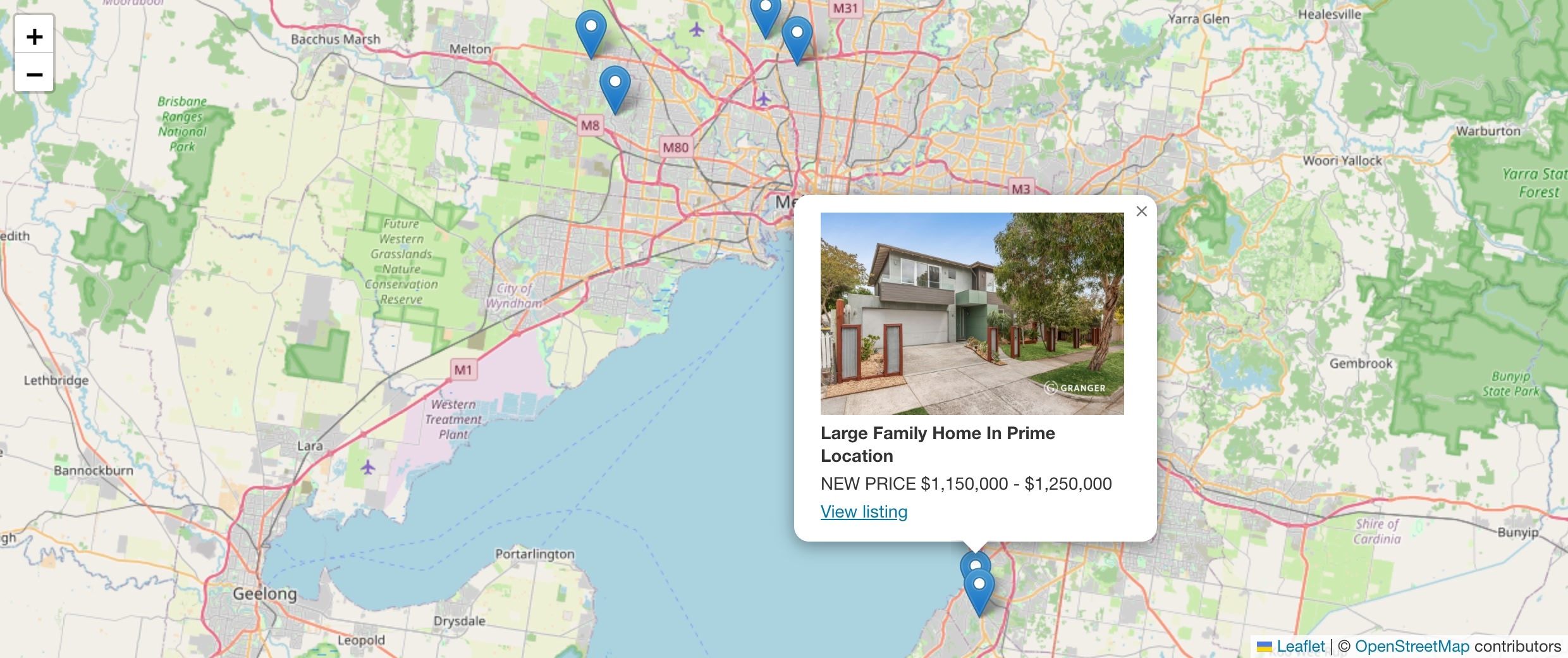
Shows one map with a marker for each listing. Markers close together are grouped into numbered clusters, and the map zooms to fit all of them. Clicking a marker shows the listing photo, heading, price and a View listing link.
[listing_open_street_map_results]
Options
| Option | What it does | Default |
|---|---|---|
post_type |
Listing types, comma separated: property, rental, land, rural, commercial, commercial_land, business. |
All |
status |
Listing status, comma separated, e.g. current, sold, leased. Use all for every status. Withdrawn and off market listings are never shown. |
current |
location |
Suburb (location) slug, comma separated, e.g. eynesbury. |
|
ids |
Only these listing IDs, comma separated. | |
limit |
Maximum listings, up to 1000. | 200 |
height |
Map height. | 450 |
cluster |
0 shows every marker separately. |
1 |
query |
current uses the listings on the current page; all uses every result of the current page's query. For listing archive and search templates. |
Examples
[listing_open_street_map_results post_type="rental" height="600"]
[listing_open_street_map_results status="sold" limit="500"]
[listing_open_street_map_results location="eynesbury,melton"]
[listing_open_street_map_results ids="101,102,103" cluster="0"]
Which listings appear? Only published listings that have coordinates and Display Street Address ticked. Hidden addresses are never placed on a results map. If a listing is missing, check it has coordinates (see Looking up coordinates for all listings).
Map above archives and search results
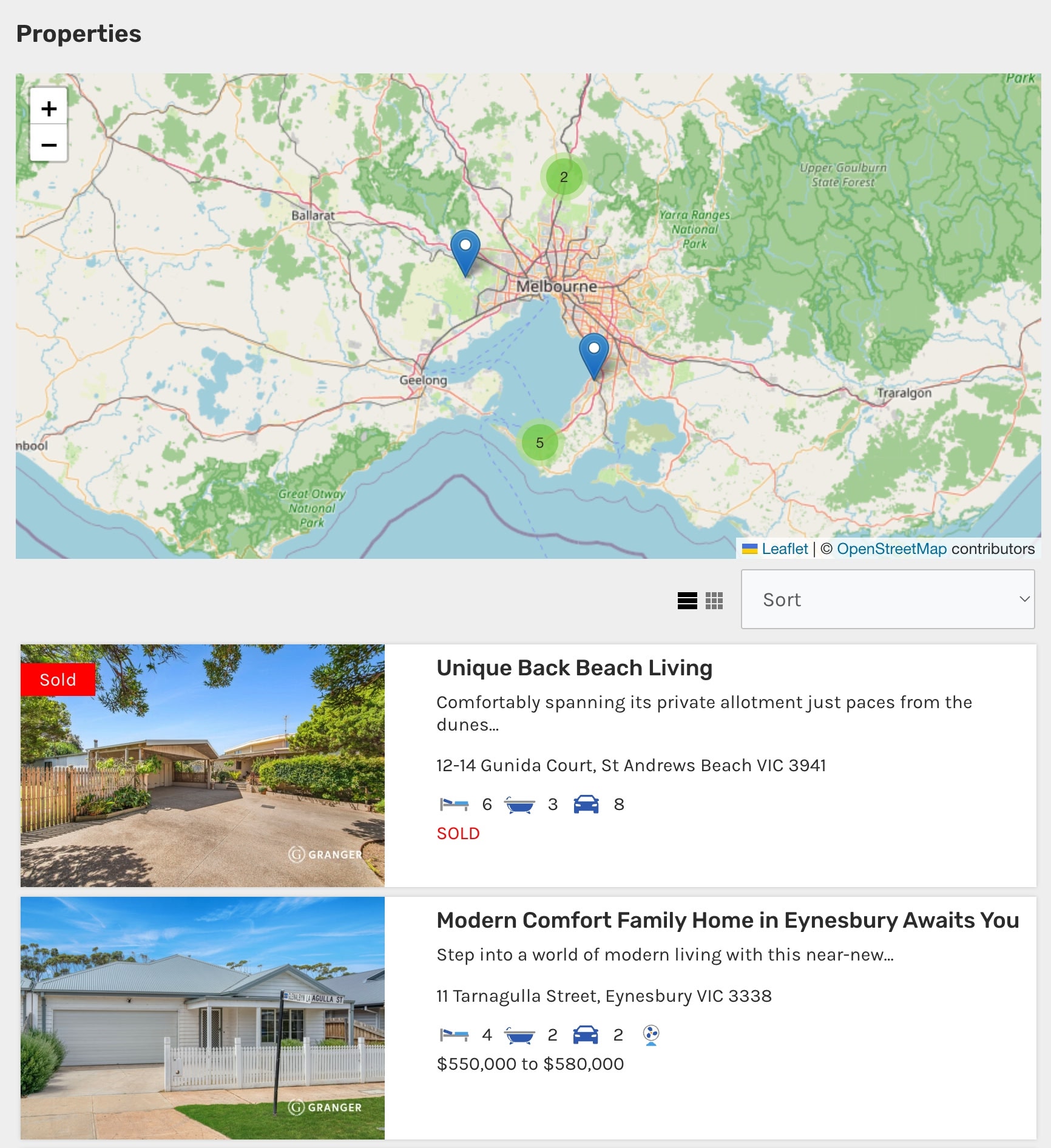
You don't need a shortcode to show a map above your listing archives, suburb pages and search results. Turn on Archive and Search Map in the settings.
Using a template
In a theme template, print a map with do_shortcode():
<?php echo do_shortcode( '[listing_open_street_map id="' . get_the_ID() . '"]' ); ?>