
Getting Started with Open Street Maps
Open Street Maps replaces the Google maps in Easy Property Listings with free OpenStreetMap maps. You don't need a Google Maps API key, a billing account or any setup to get a map on every listing.
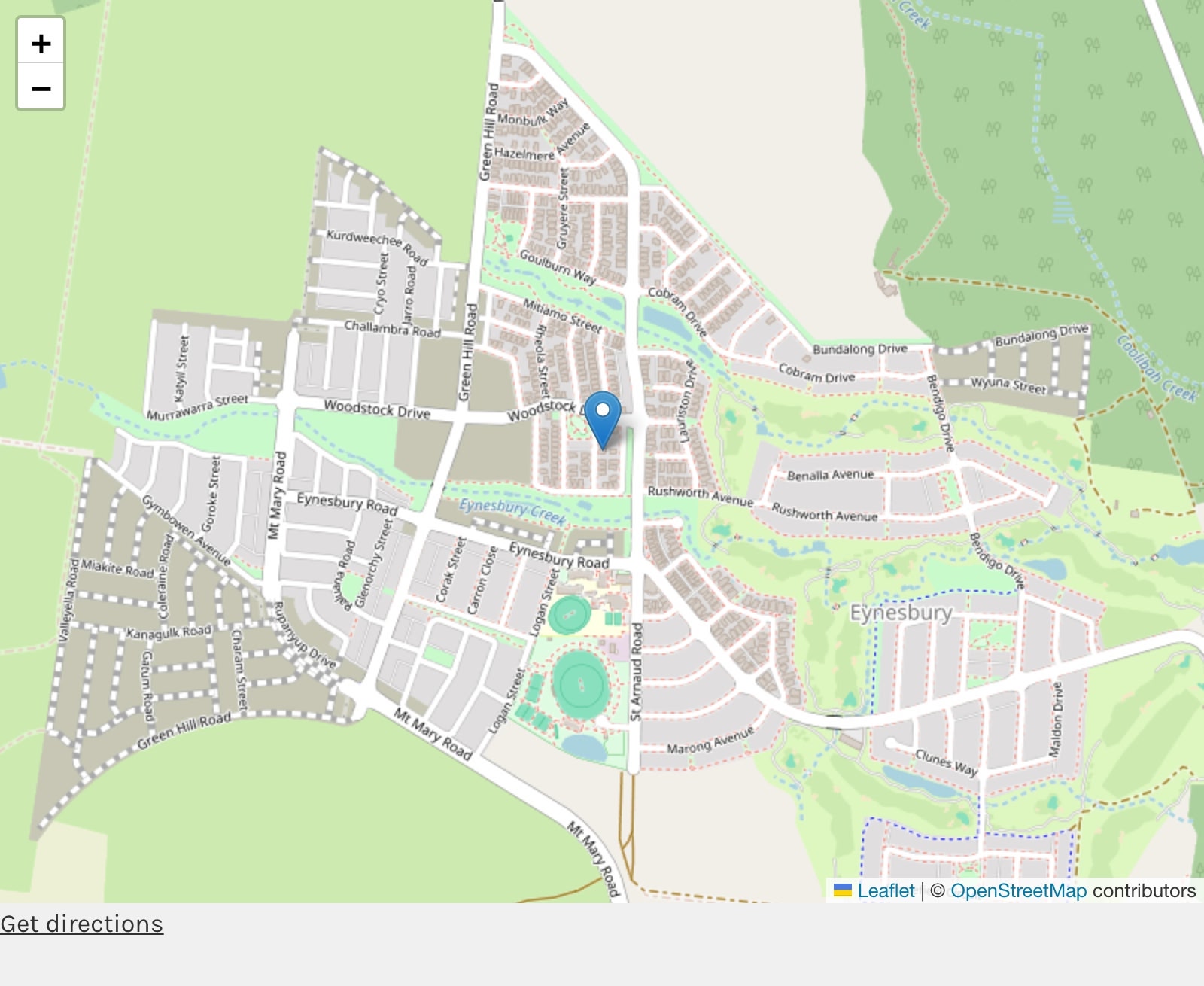
What you get
- A map on every listing with a pin on the property. Maps appear where the Easy Property Listings map normally shows.
- A map on the listing edit screen. Look up the address, then drag or click to place the pin exactly.
- Automatic coordinates. Listings without coordinates are looked up and saved, including imported listings.
- Privacy built in. When Display Street Address is off, the map shows the suburb area instead of the property.
- A results map showing many listings at once with clustering, on any page or above your listing archives and search results.
- Map styles, a custom marker icon, a Get directions link and more.
Install
- Download the zip from your account and go to Plugins > Add New > Upload Plugin.
- Upload and activate EPL - Open Street Maps. Easy Property Listings must be active.
- Enter your licence key under Easy Property Listings > Licenses to get updates.
That's it. Open any listing on your site and the map is now an OpenStreetMap map.
Requirements: Easy Property Listings 3.5 or later, WordPress 6.0 or later and PHP 7.4 or later.
Next steps
- Look up coordinates for your existing listings so maps load instantly. See Looking up coordinates for all listings.
- Add a contact email under Easy Property Listings > Extensions > Open Street Maps > Address Lookup. The free lookup service asks for one.
- Choose a map style and other options. See Open Street Maps settings.
- Add a results map to a page, or turn on the map above your listing archives. See Open Street Maps shortcodes.
Switching from Google Maps
Activating the add-on is all you need to do. Your listings keep the coordinates they already have, and on the listing edit screen the Google map is replaced, so no API key is needed there either. You can leave your Google Maps API key in the Easy Property Listings settings if another add-on, such as Advanced Mapping, still uses Google.
Product page and change log
See the Open Street Maps product page for features and licence options, and the change log for what's new in each version.