Getting Started with the FeedSync Companion
Getting Started with the FeedSync companion plugin.
Automatic Installation
Download the plugin from your account or from the welcome email from your purchase.
In your WordPress website goto Plugins > Add New.
Select the upload option and select the file you have downloaded and press upload.
Once uploaded activate the plugin.
Next is to login to your feedsync.com.au account and add your site. We have a fantastic process to complete the setup your feedsync.com.au account.
Press Connect Site then add your website URL to the Domain (required) field and press the Generate button. Then click the Open Link button.
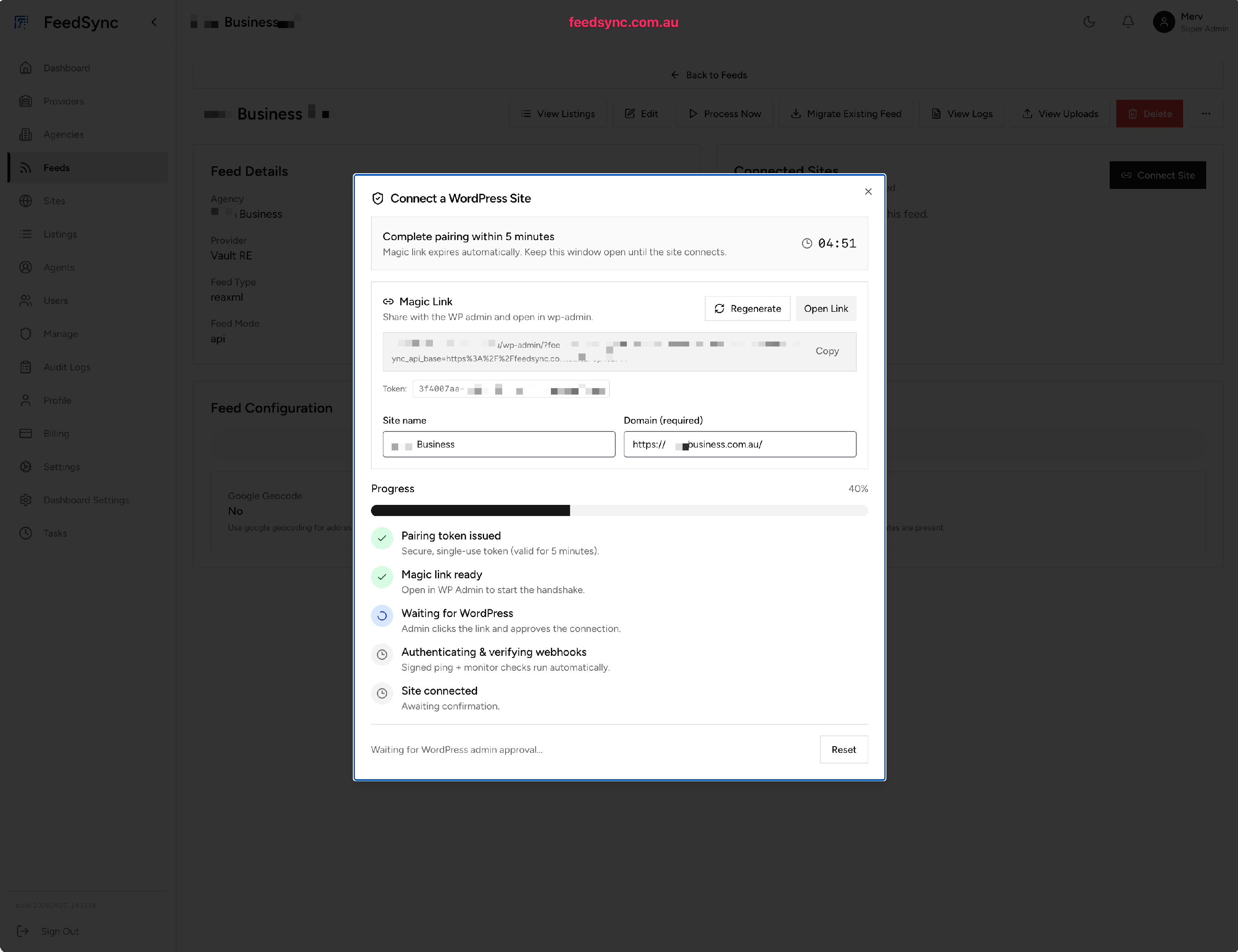
When you press the Open Link button your website will open and provided that you have installed activated the FeedSync Companion plugin you will see the connection window. Press the Approve Connection and once that has completed, your site ready for listings. its that easy!
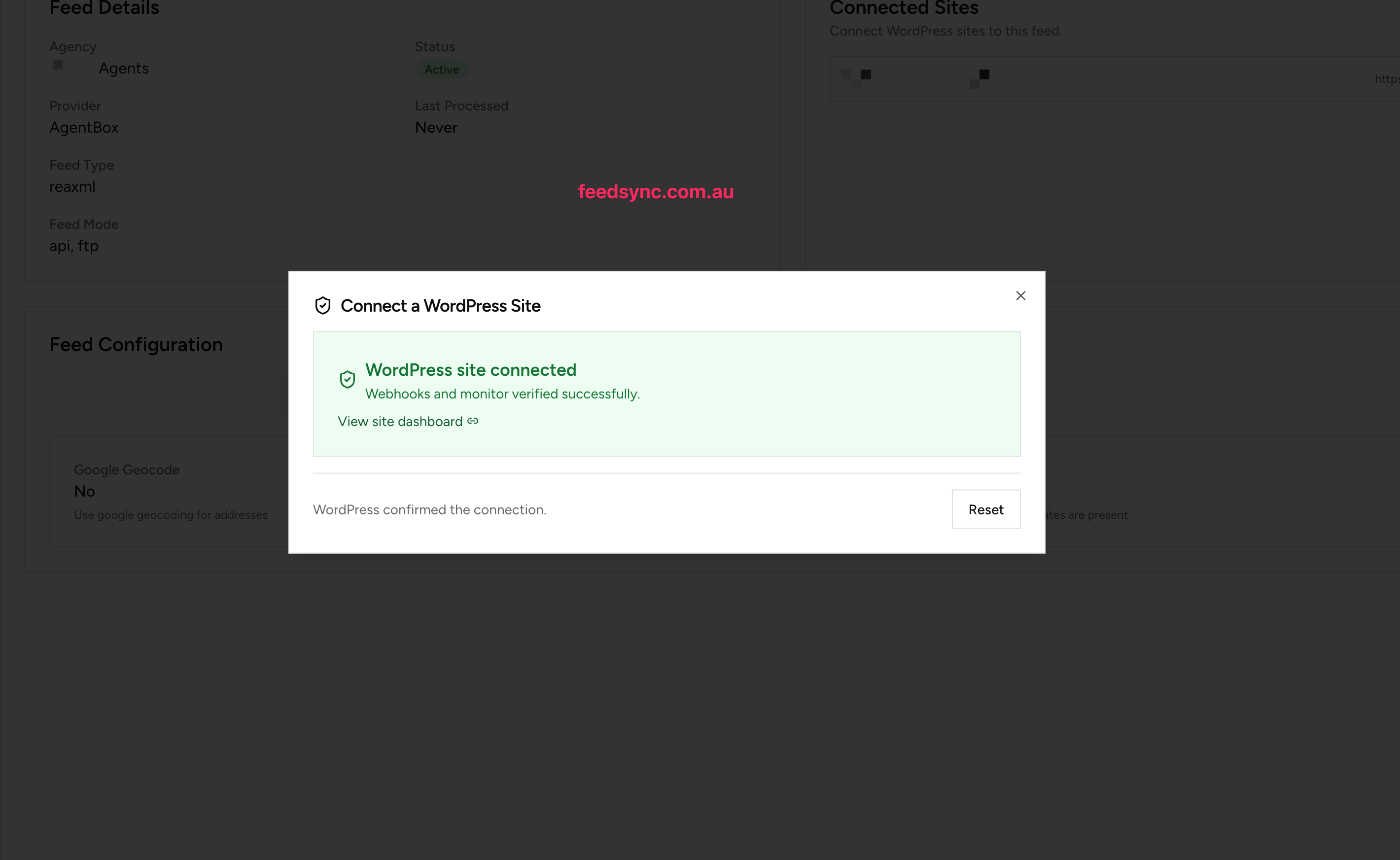
 When you visit your feedsync.com.au tab you will see the confirmation window. and as soon as listings are sent from your CRM provider they will be inserted into WordPress.